Legs and springs
Constraints move bones by themselves. The legs reach for a target on the ground; the tail and the ears swing on springs.
Legs that reach
- Select shin front and press Reach with its parent too, under Constraints. A target is made at the ankle, shin front_target, and the shin and the thigh now bend to reach it.
- Select foot front and set its Parent to shin front_target: the foot goes with the target, flat on the ground.
- Move the target with the Move tool: the knee bends. Ctrl+Z.
- The same for the back leg.
Springs
- Select tail 1 and press Make it springy; then tail 2, tail 3, ear back and ear front.
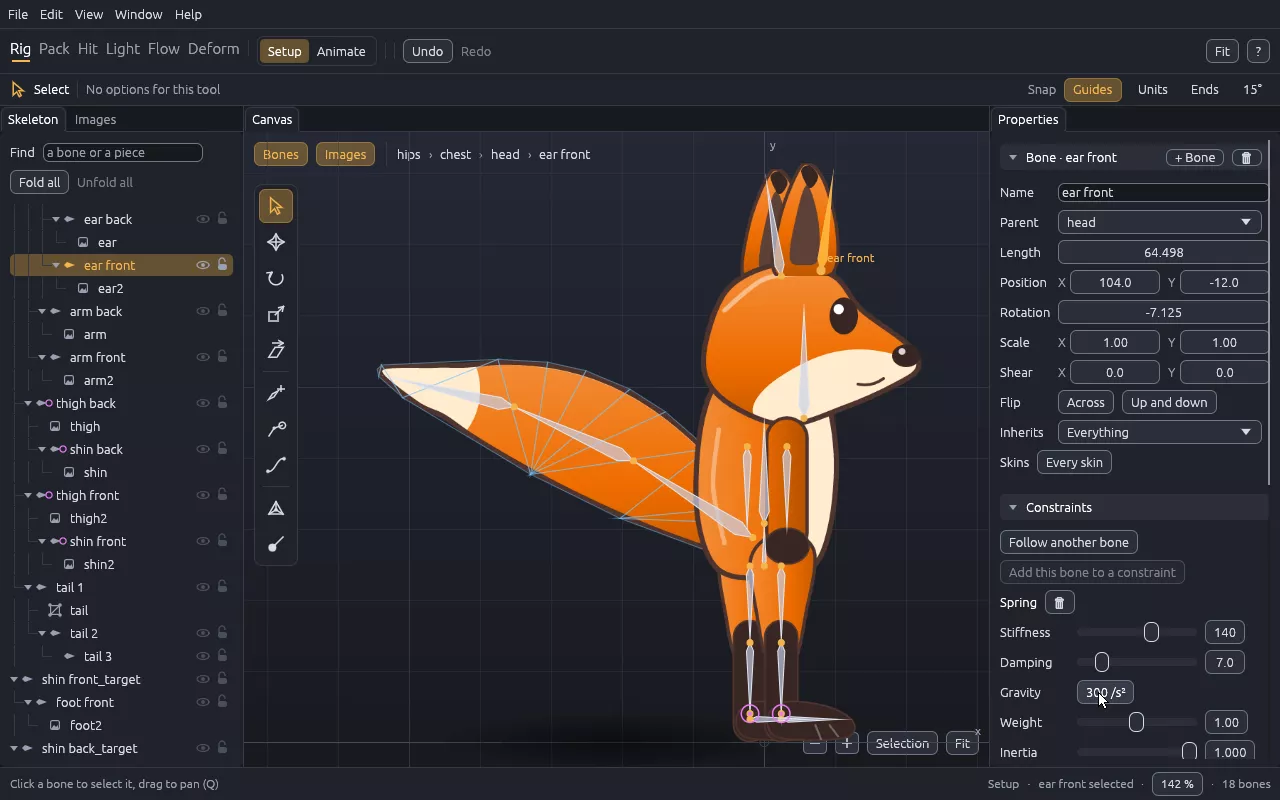
- Set Gravity to 300: it pulls every spring of the character, and the Weight of each bone says how much it feels it.
A spring is seen in Animate mode, where the tail and the ears follow the body with a delay and swing before they settle. No key is needed for that.