
Manual
What pantin does, in the order you work: a skeleton, the images it carries, what moves by itself, the animation, and what a game is given. Each gesture is shown in a short video, played slowly, a caption saying what is done; each video is recorded by a test on every change of pantin, so it shows the application as it is.
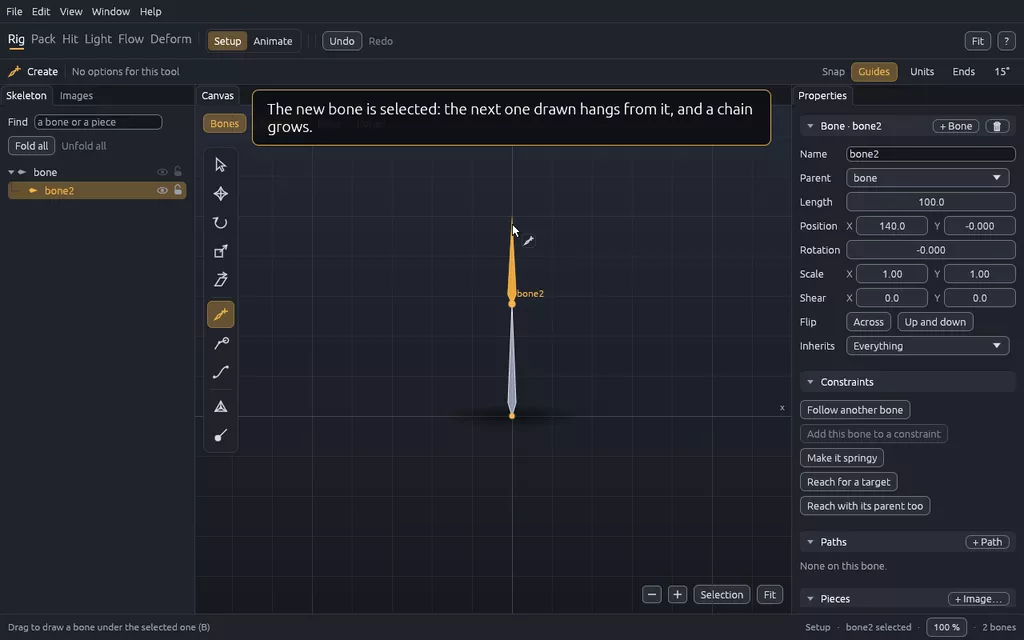
The skeleton
Bones that hang from each other, drawn in Setup mode, moved, turned, selected together.
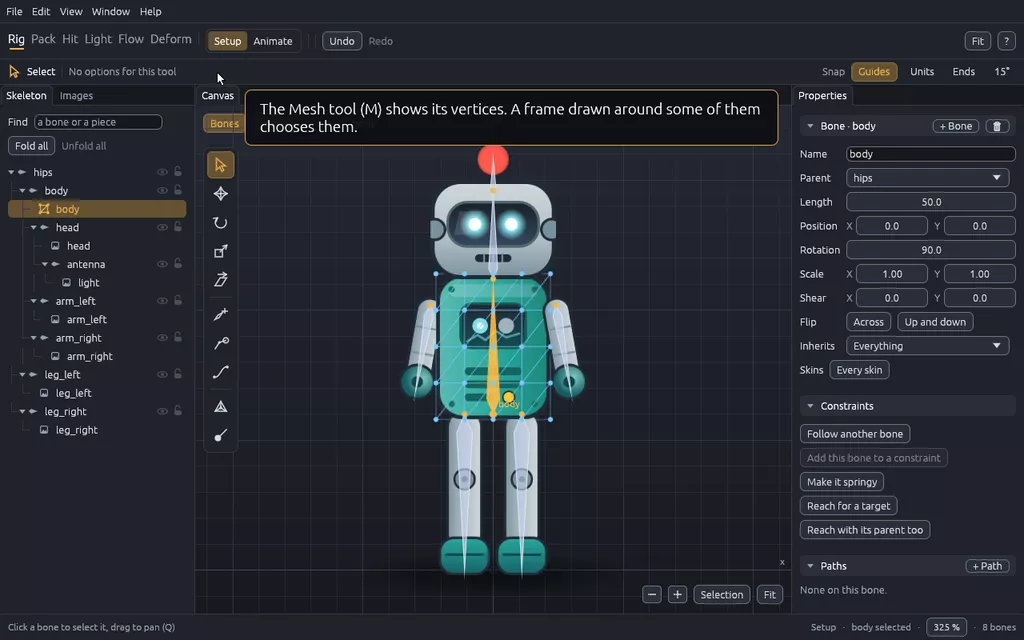
Images and meshes
The pieces of the character hung on the bones, and bent by meshes along several of them.
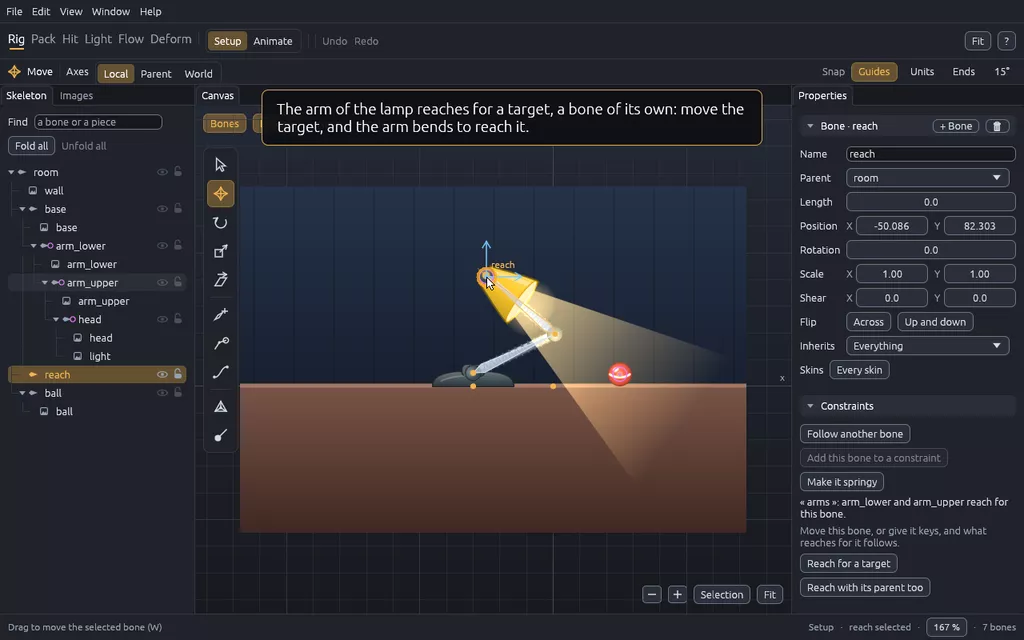
Constraints and springs
Bones moved by a rule: reaching for a target, following a bone or a path, swinging on a spring.
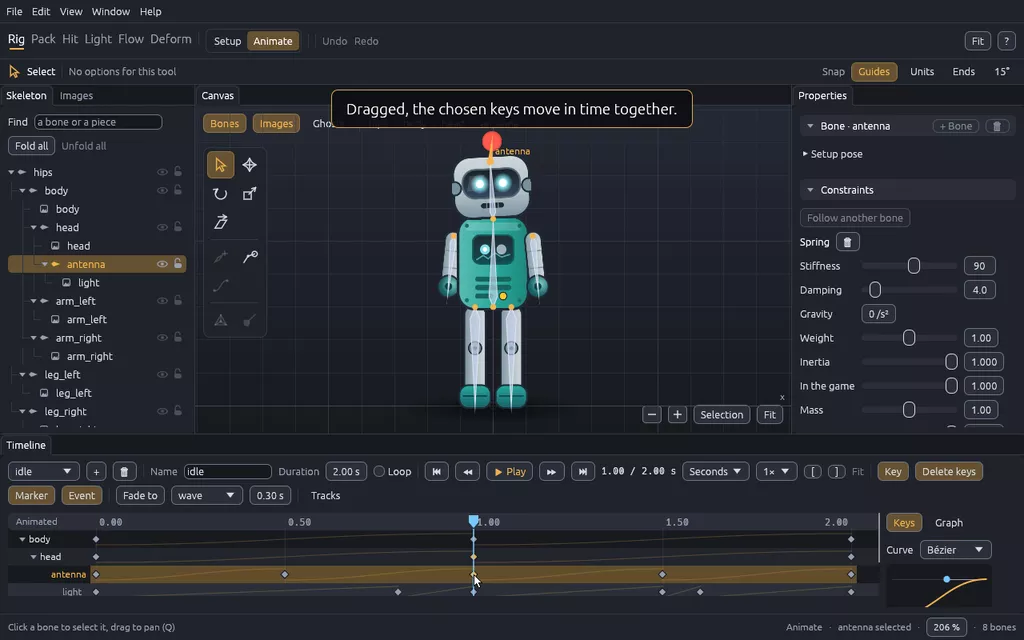
Animation
Keys at times of the clock, the curves between them, and the tools to judge a movement.
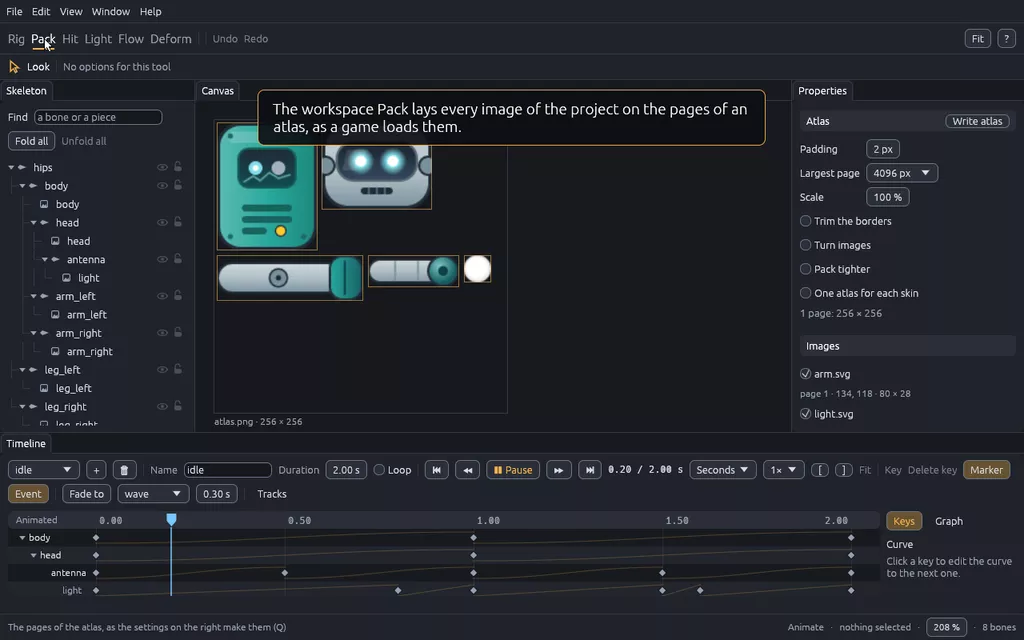
Atlas and export
What a game loads, packed into an atlas; a GIF or a video of an animation; a check for a CI.
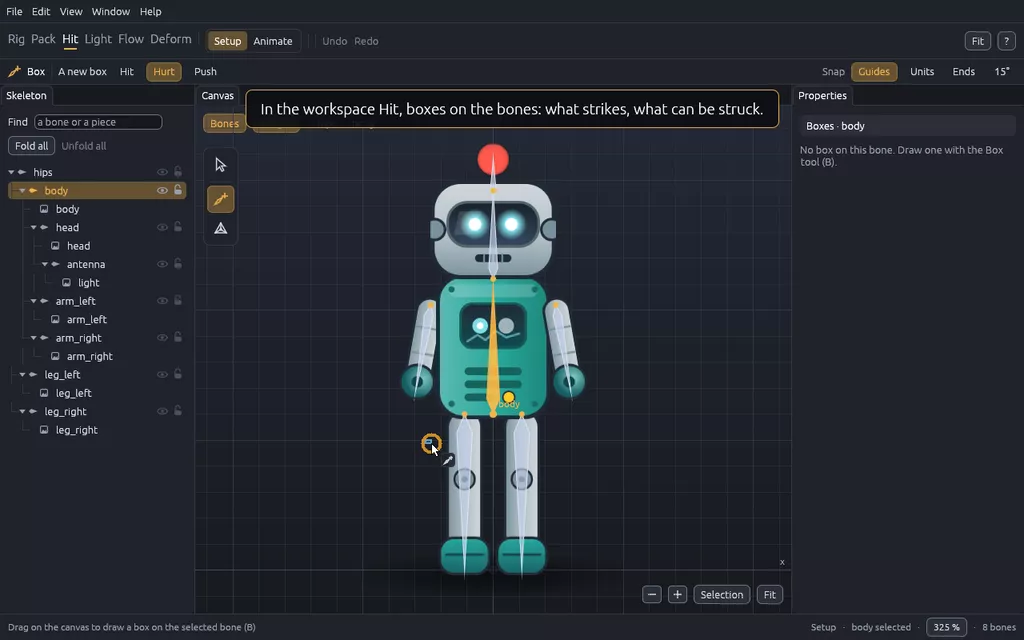
Boxes for a game
Hitboxes and hurtboxes on the bones, active on parts of the animations, read by the game.
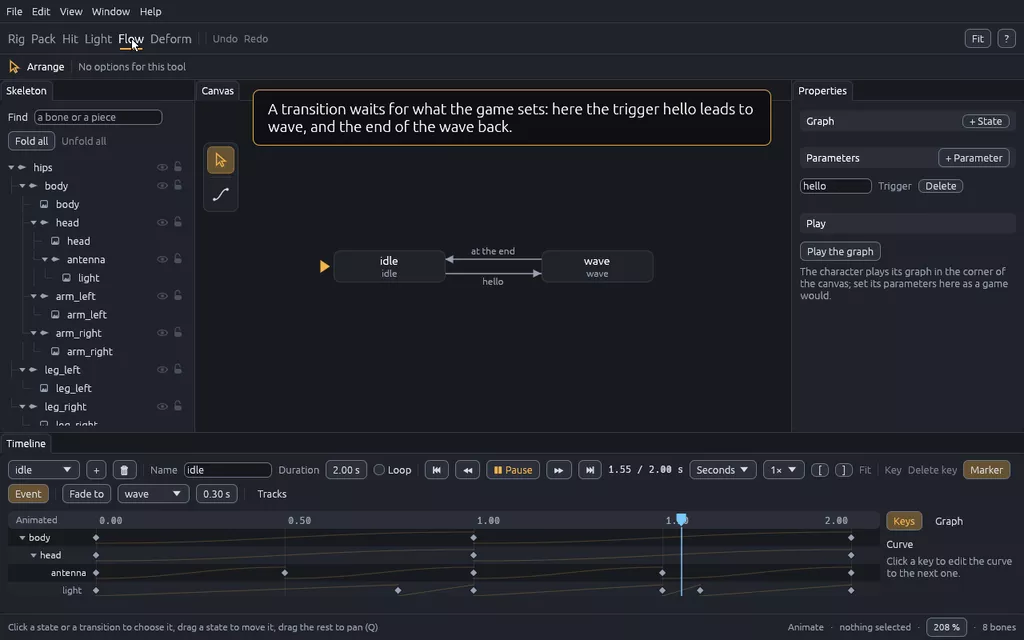
States for a game
The states of a character, the parameters a game sets, the transitions between them, played.
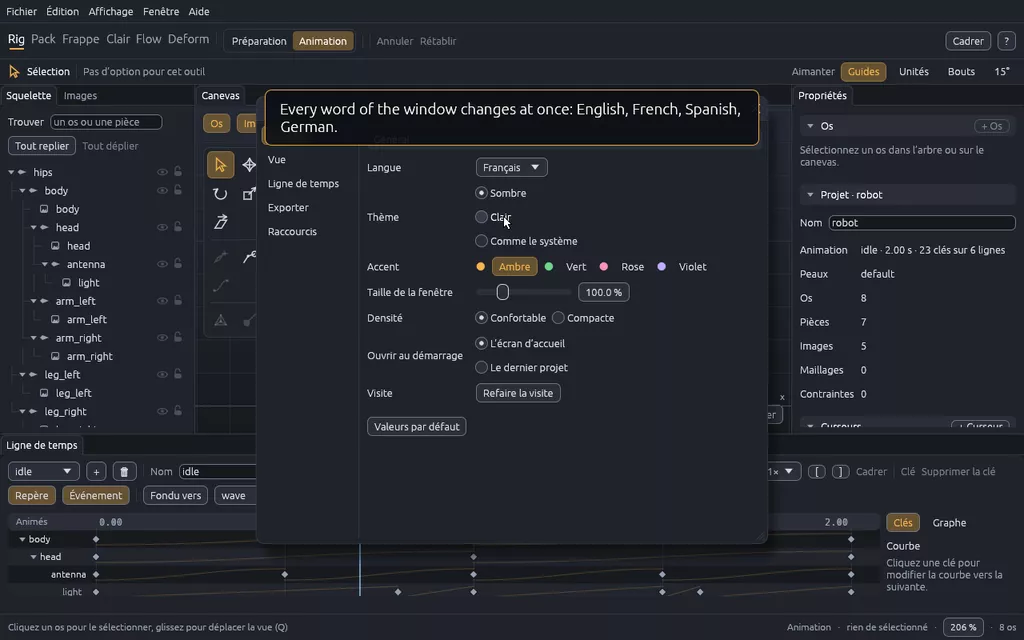
Around the rig
The menus, preferences and languages of the window, guides to line things up, and an agent.
Every key and mouse gesture is on one page, every command of the terminal on another, and the files on the pages of the format.